

CPD Certificate: A Short Guide
CPD (Continuing Professional Development) certificate verifies that you’ve completed a training course or event. It’s essential for maintaining your professional standards.
-
Create your CPD Account
- Go to https://cpduk.co.uk/
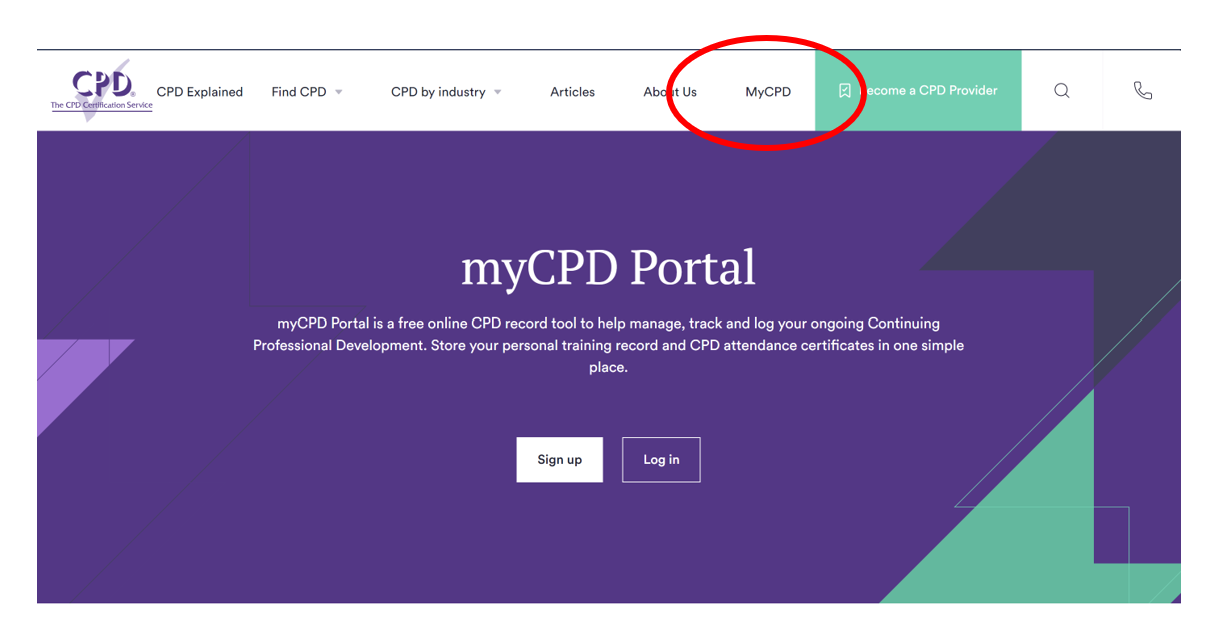
- Click on MyCPD
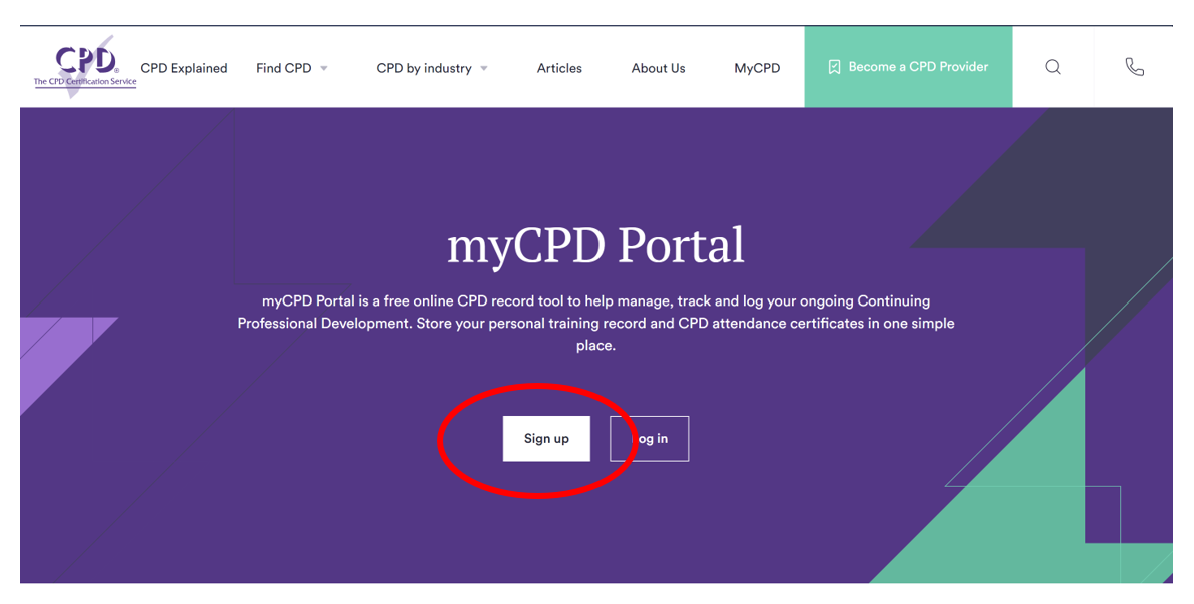
- Click on Sign up
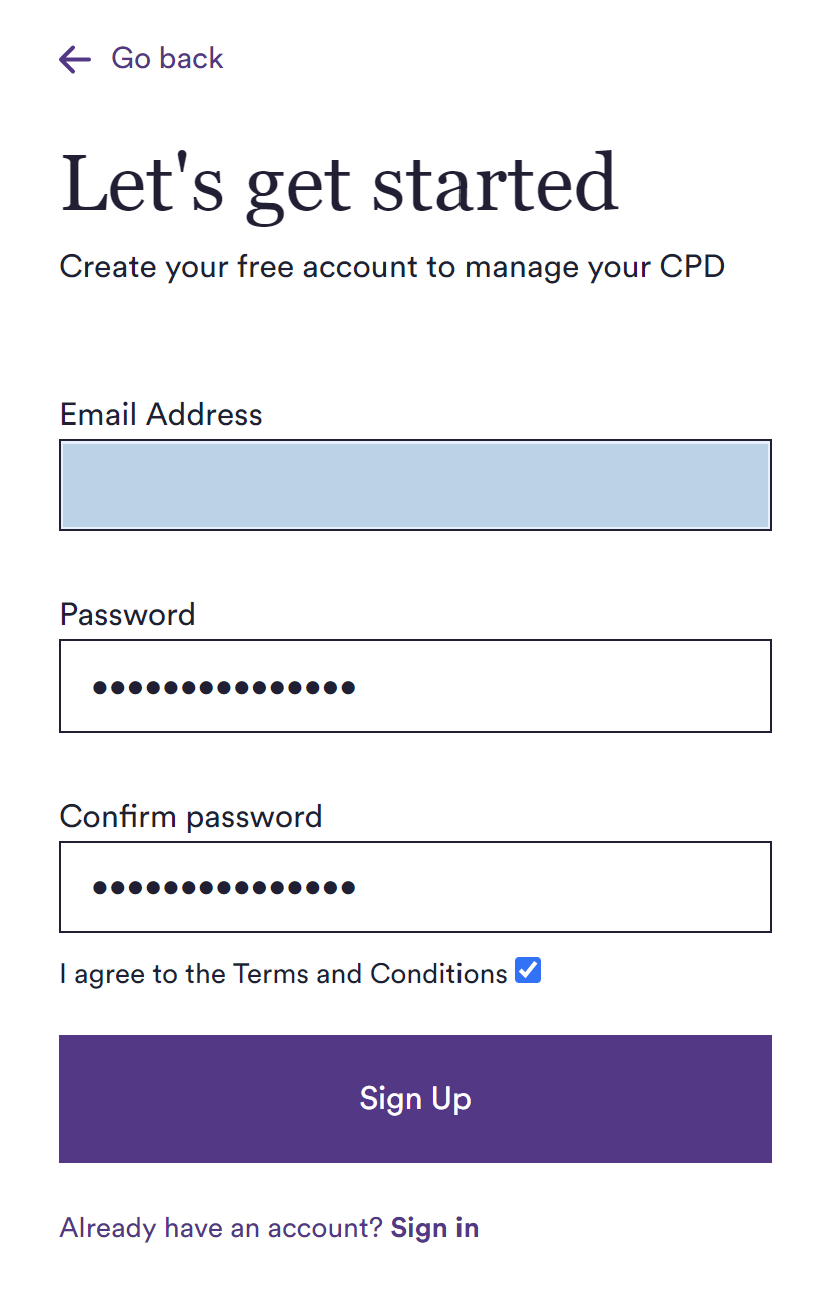
- Fill your information and sign up
-
CPD Certificate Record
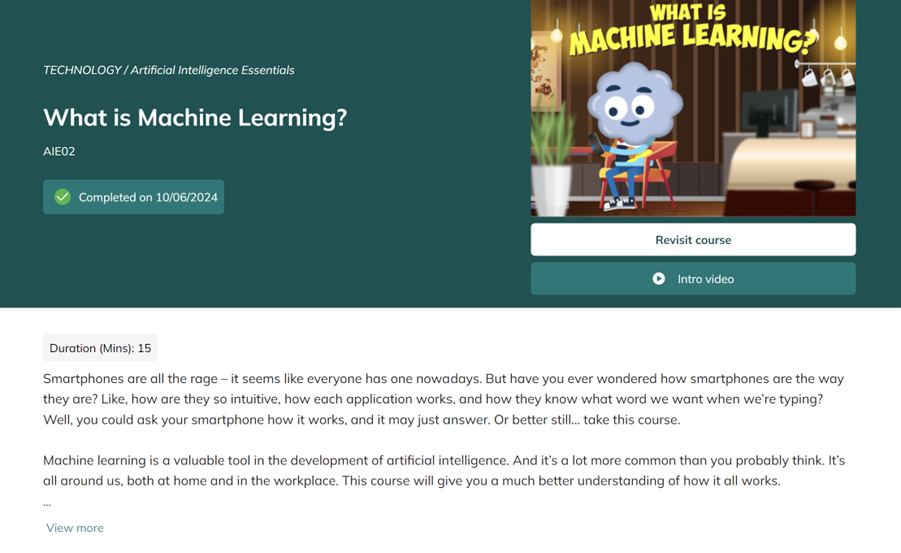
We take the course What is Machine Learning? at FAME Meta Academy as an example.
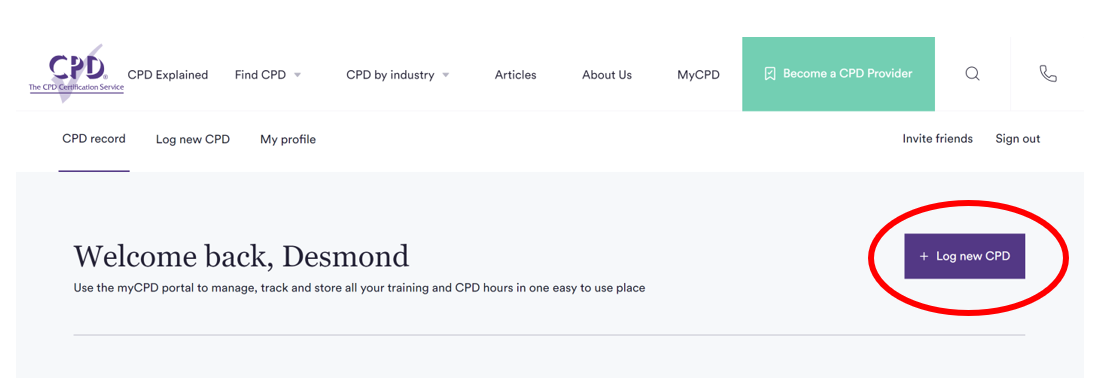
- After login, click the button log new CPD
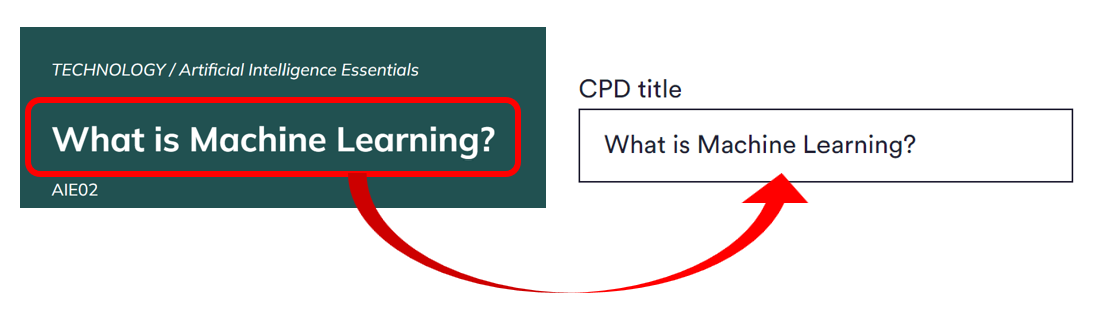
- The CPD title will be same as the course title, which What is Machine Learning?
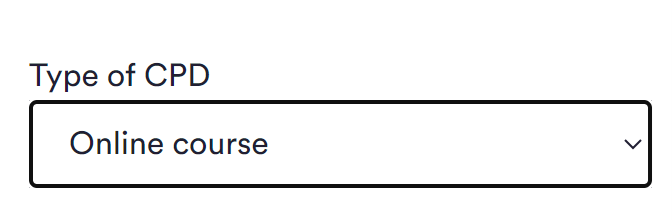
- Type of CPD select Online Course
- Duration follows the same duration for the course
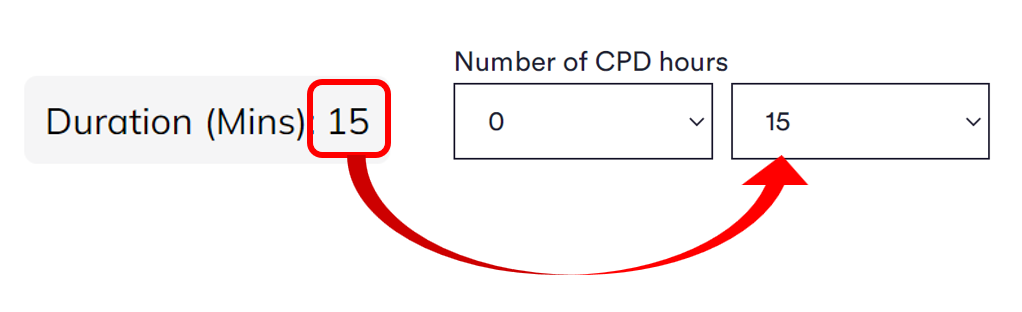
- Duration follows the same duration for the course
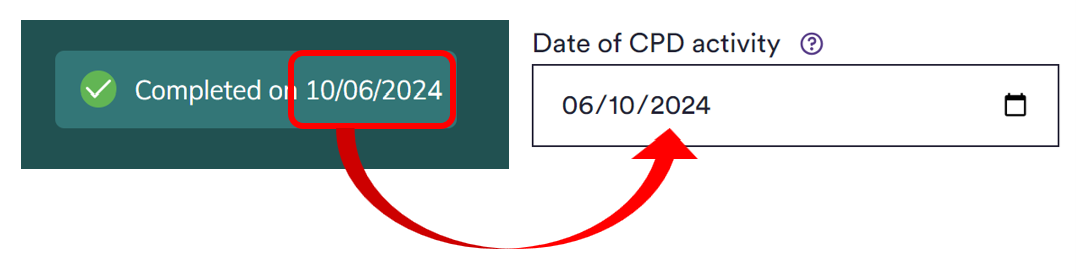
- Name of organisation providing the training fill in as FAME META Academy

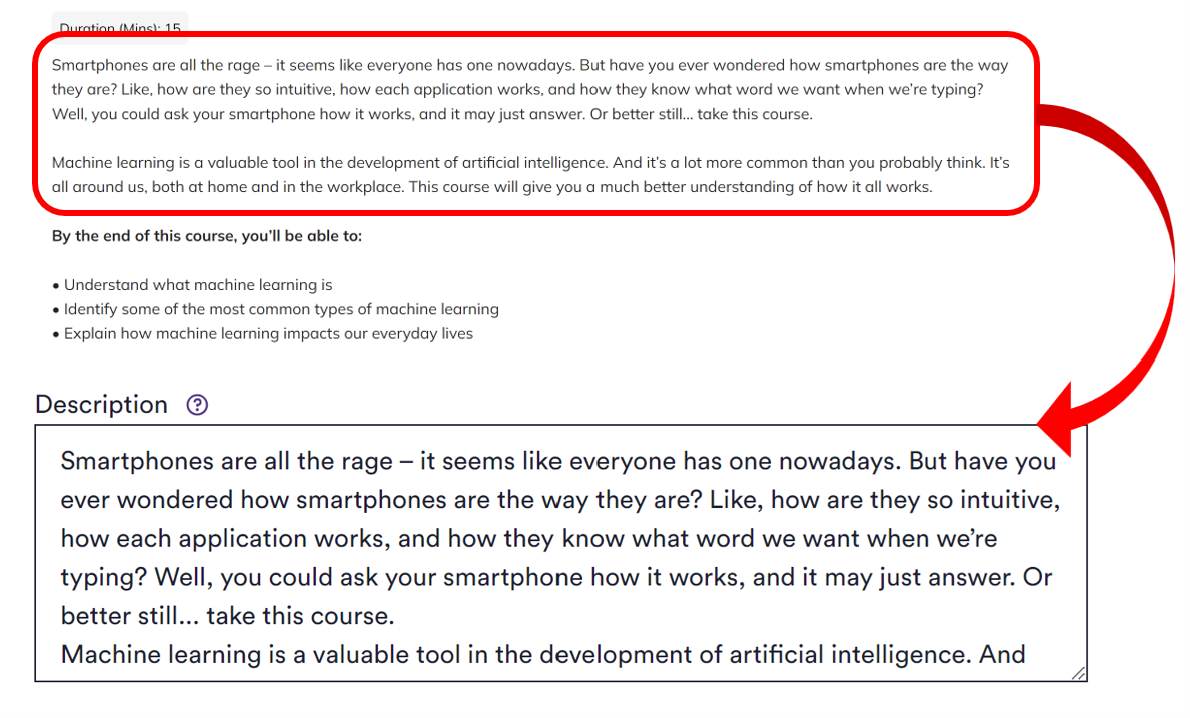
- Description can copy from our course description before “By the end of this course, you’ll be able to:”
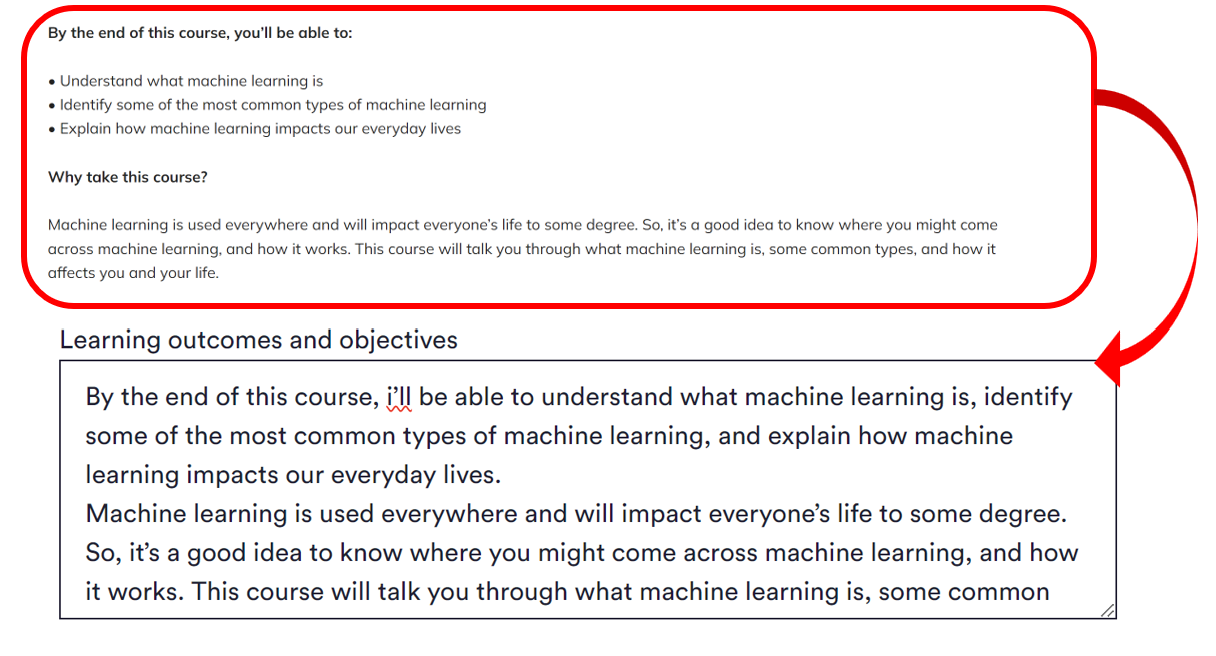
- Learning outcomes and objectives can refer from our course description from “By the end of this course, you’ll be able to:” as the learning outcomes, and “Why take this course?” as the objectives
- To upload your certificate:
- Go to “My courses”
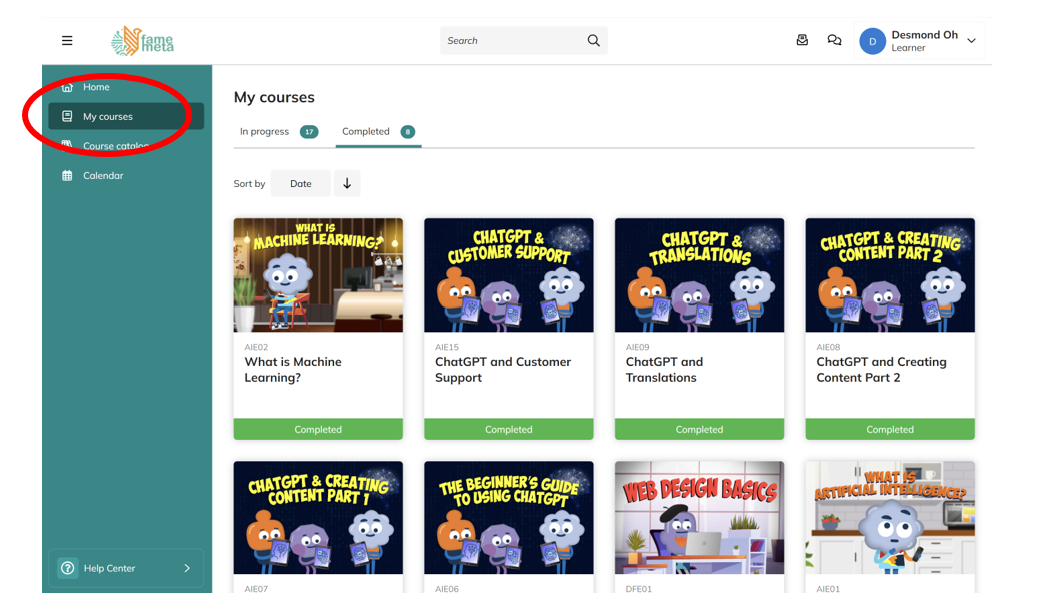
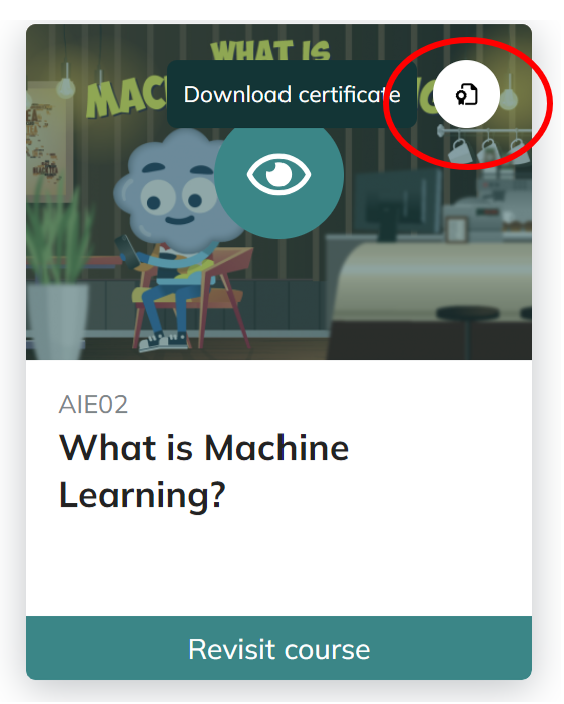
- Click on the upper right corner of your course to download the certificate
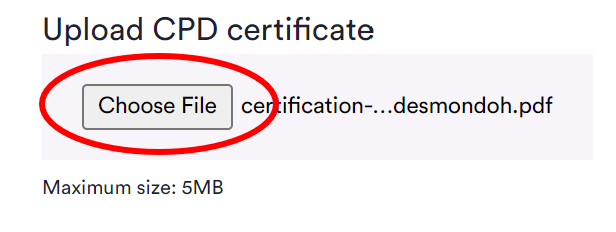
- upload your certificate here
- Go to “My courses”
- Click “Complete CPD record” and you are done
- After login, click the button log new CPD